How to Use SVG Files with Cricut: A Beginner's Cut-File Guide
By JamSumStore
If you just bought (or found) your first SVG cut files and your Cricut is still sitting in the box, you are in exactly the right place. Learning how to use SVG files with Cricut is simpler than it looks: an SVG is just a design your cutting machine can read as cut lines instead of a flat picture, which means it cuts perfectly at any size — no pixelation, no tracing. Here is the whole workflow, from downloading the file to your first finished project, plus the mistakes that trip up almost every beginner.
How to Upload an SVG to Cricut Design Space
First, unzip your downloaded file — Cricut Design Space cannot read a ZIP folder, so extract it and find the file ending in .svg. Then:
1. Open the Upload panel
In a new canvas in Design Space, click Upload on the left, then Upload Image, then Browse. Select your SVG file.
2. It imports as a cut file
Unlike JPGs and PNGs, SVGs skip the whole cleanup/tracing step — Design Space recognizes them as vector cut files automatically. You will see a preview showing exactly what will cut. Name it, add a tag if you like, and click Upload.
3. Drop it on the canvas and size it
Select the design in your uploads, click Add to Canvas, and use the corner handle (with the lock closed) to scale it to your project. Because it is a vector, you can scale from a 2-inch ornament to a 10-inch shirt decal without any loss of quality — this is the whole reason crafters prefer SVG over PNG.
Sizing, Weeding and Materials: The Basics That Matter
A few practical rules will save you a lot of wasted vinyl. First: mirror before you cut heat-transfer (iron-on) vinyl. In Design Space, toggle "Mirror" on the mat preview screen before cutting HTV, and place the shiny carrier side down on the mat. For adhesive vinyl, no mirroring — cut as-is and use transfer tape to move the design onto your surface.
Second, size for the blank, not for the screen. A shirt decal for an adult tee is usually around 9–11 inches wide; a mug decal or ornament is more like 2.5–3 inches. Measure the blank you are decorating and type the size in with the lock closed to keep the proportions.
Third, weeding takes the right tool and patience. A weeding hook or pin makes tiny centers and thin lines come up cleanly. If a design has lots of fine detail, cut a test at a slightly larger size first — small, intricate cuts are the number-one cause of torn vinyl.
Common SVG Problems and Quick Fixes
"It imported as a black blob"
That usually means the file was imported as a print-then-cut image or a JPG conversion. Re-import the actual .svg file through Upload — SVG uploads should arrive as cut layers, not flattened images.
Text cut apart into floating letters
If a design's words cut letter-by-letter instead of as one connected script, select the text pieces on the canvas and use Weld (bottom-right panel) so they cut as one continuous shape.
Parts cut in the wrong place
On multi-color designs, select the layers that belong together and use Attach so they keep their positions relative to each other. Grouping alone will not hold placement on the mat — Attach will.
First Projects Worth Trying
Start with one material at a time. Adhesive vinyl on a smooth surface (a mug, a storage bin, a notebook) is the gentlest first project — no heat, no mirror, just cut, weed, transfer tape, and place. Next, try iron-on vinyl on a tote bag: remember to mirror, press in sections, and let it cool before peeling. After that, cardstock for cards and gift tags — quick, cheap, and perfect for the holidays.
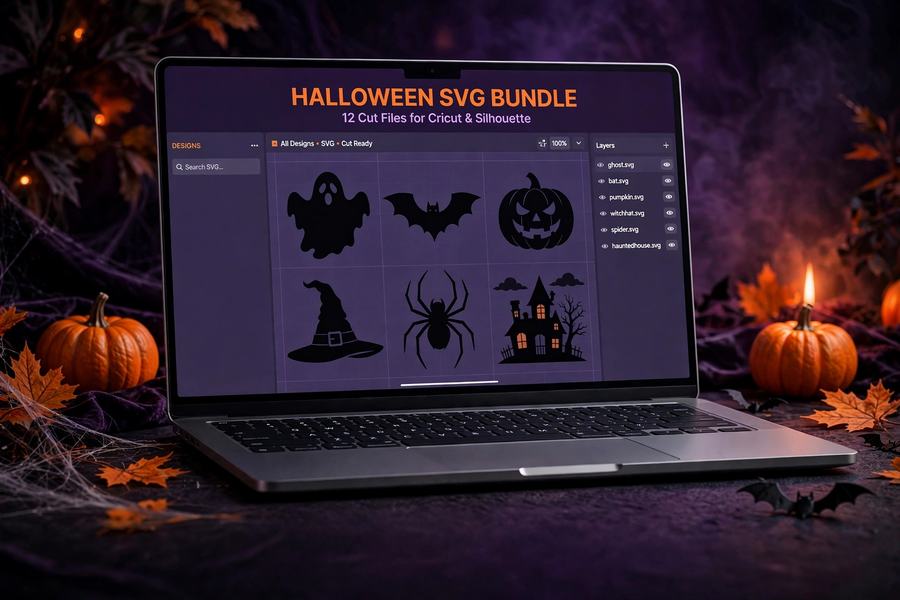
Seasonal bundles are the easiest way to practice: our Halloween SVG Bundle gives you 12 cut files ready for Cricut, Silhouette, or laser cutters — t-shirts, tote bags, and decorations — while the Christmas SVG Bundle has 10 cut files with clean, easy-weeding cut lines for ornaments, shirts, and tote bags. And if you decorate tumblers, the Halloween Tumbler Wrap Bundle is sized for 20oz tumblers.
For more cut files, stencils, and craft-ready designs, browse our templates collection — SVG bundles, design packs, and mockups, all instant download.
One unzipped file, one upload button, and a test cut on scrap vinyl — that is genuinely all it takes to go from "my Cricut is in the box" to your first finished project. Start simple, and let the designs do the heavy lifting.
Browse the Collection
Every product mentioned here — and the full catalog — is available with instant download.
Gift lists, budget trackers, party planning pages and a holiday timeline — how Christmas planner printables give every December decision one place to live.
Ornaments, mini amigurumi, mug cozies, coasters and more — seven beginner-friendly gift projects plus how to match each one to the right person on your list.